What a loyalty card in Wallet is
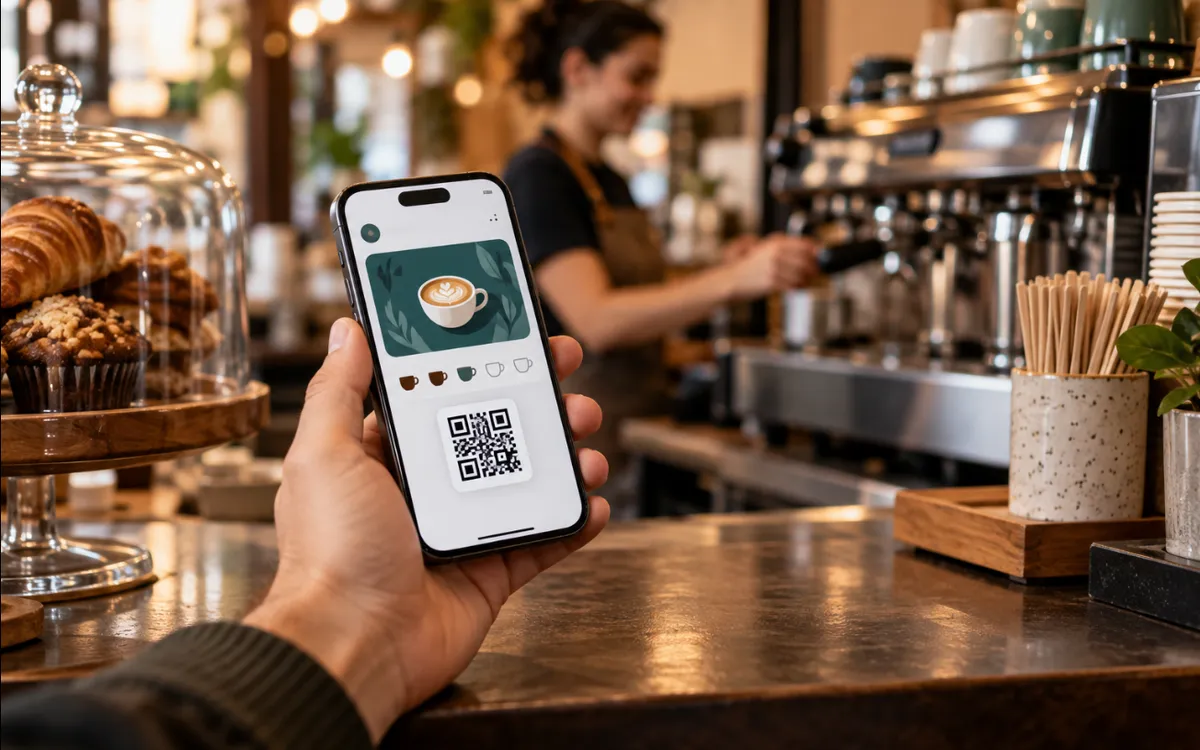
It is the digital version of the classic stamp card. Instead of paper, the customer saves a pass in the wallet app on their phone: Apple Wallet on iPhone and Google Wallet on Android.
Apple defines store cards as passes for discount, gift and loyalty cards from shops, which can show points, reward balances and conditions. Google offers its own loyalty card format, which is saved in the Google Wallet app.
The advantage for the customer is that they do not install yet another app, and the card does not get lost in a drawer. For you, the advantage is being able to keep the card up to date without printing anything.
How the customer adds it
The procedure is simple for the customer, although behind the scenes it differs on each platform.
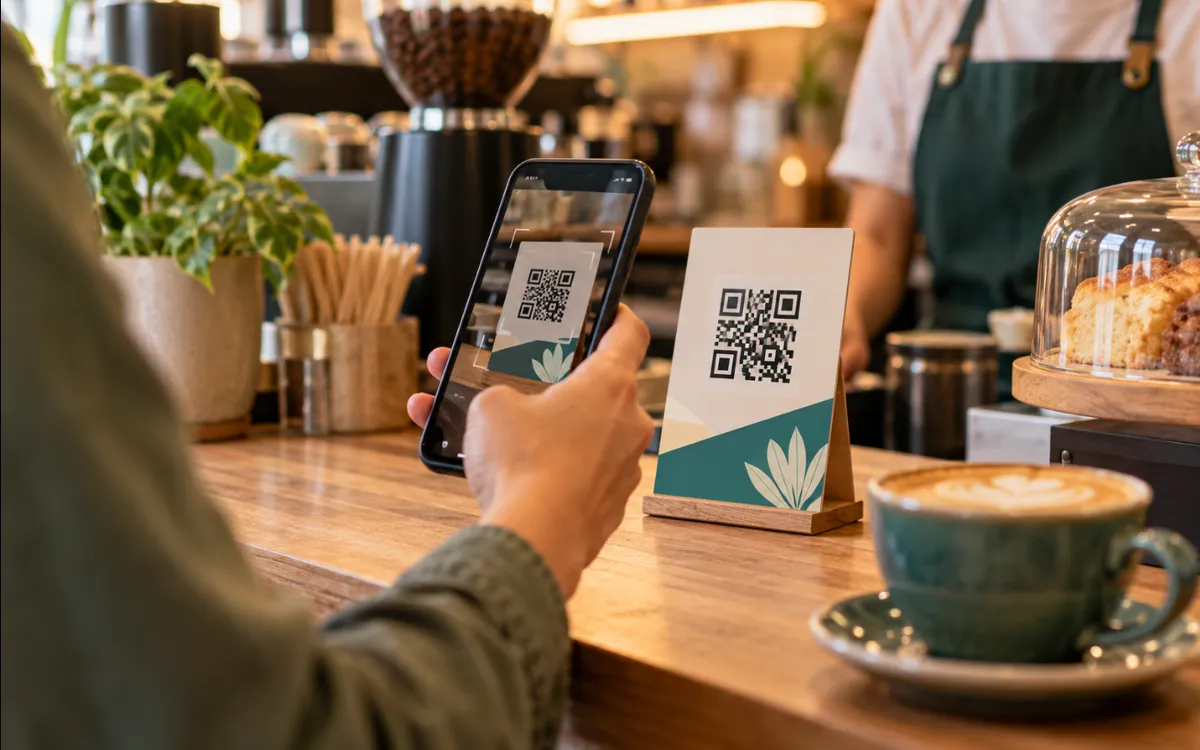
They scan a QR code at the counter or tap a link you send them by web, email or SMS.
They tap “Add to Apple Wallet” or “Add to Google Wallet”, depending on their phone.
The card is saved and they can show it at the till.
With Apple, passes can be installed from Mail and Safari on iOS, or from an app using the PassKit framework; Apple notes that passes should remain useful even if the user does not have your app. With Google, the pass is created through the Google Wallet API and delivered with an “Add to Google Wallet” link that works anywhere links work: web, email or SMS.
What lies behind it: what the business (or whoever builds it) prepares
A card of this kind is not just a nice design. It needs technical set-up that each platform requires:
- Apple: a pass type identifier and a signing certificate created in an Apple developer account. The pass is a signed package containing its description in JSON, images and, optionally, locations. If the identifier does not match the certificate, the pass does not work.
- Google: a Google Wallet API issuer account and an authorised service account in the Google Wallet console, used to sign the link for each pass.
- A server of your own that generates the passes, stores each customer’s status and updates them when something changes.
This is the work we do in the digital loyalty card service: design, registration on both platforms and support.
How stamps are updated
When the customer earns a stamp, the pass on their phone has to change. The mechanism is different in each system:
- Apple Wallet: the pass includes the address of a web service. When it is added, the phone registers with your server. When something changes, the server sends a silent notification through the Apple Push Notification service; the phone asks which passes have changed and downloads the new version, which replaces the old one.
- Google Wallet: you update the pass object through the API and the change is reflected in the saved card.
Apple reminds us that updates are not guaranteed: the user may be offline or may have switched off updates for the pass. Nor is it wise to trust what the screen shows for important decisions.
Notifications: what can and cannot be done
There is more nuance here than is usually told. Neither the business nor whoever builds the card fully controls when a notification is shown.
| Apple Wallet | Google Wallet | |
|---|---|---|
| Change notifications | Based on pass updates; no guarantee they arrive instantly | Messages that add a notification: maximum 3 per pass in 24 hours, according to Google’s documentation on generic passes |
| Location-based alerts | The pass can appear on the lock screen near up to 10 locations you define | Up to 10 locations per class and 10 per object; Google decides when to notify |
| Control of the text | That of the pass | Google controls the text of the proximity notification |
On Google, if you exceed the limit, the notification request returns a quota error; you can still update the pass with messages that do not notify. Google may also limit notifications if it considers that you are bothering the user, and the customer must have notifications switched on. For location, the user must have granted precise, always-on access to location.
Use it wisely
The aim is for the customer to come back, not to mute the card. Keep notifications for something they care about: a reward earned or a genuine offer.
How it is validated at the till, and why it matters
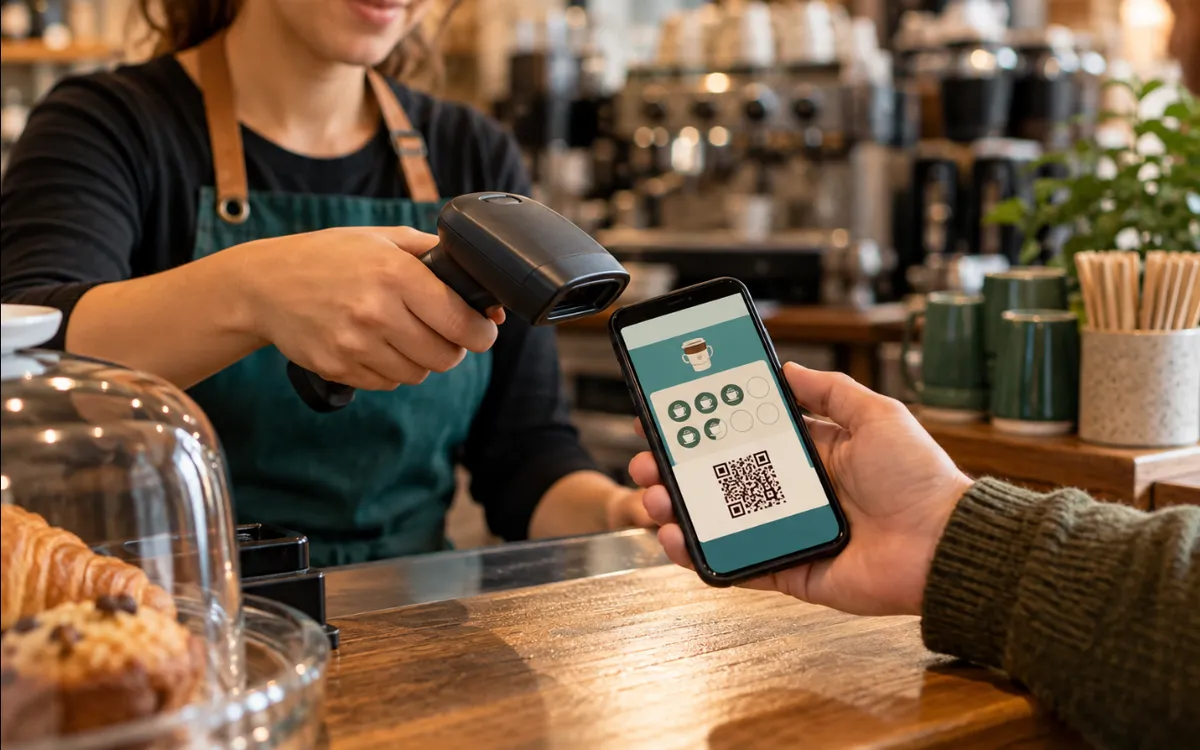
The card normally includes a code (QR or barcode) that is scanned. Apple recommends checking a unique identifier against your server rather than trusting the data in the pass itself, and not tying a single-use pass to a single device, because passes sync with iCloud and the user can forward them.
In other words: the stamp must not “exist” only on the customer’s screen. The system must record on your server when a stamp is added and when a reward is redeemed, to avoid duplicates and errors.
What to expect (and what not)
- It is a tool to make it easier for customers to come back, not a guarantee of loyalty.
- It works well with customers who already use Wallet; not all of them will do so straight away.
- It needs maintenance: certificates, keys and accounts that expire or change.
- Customer data you collect is subject to the GDPR; explain it in your privacy policy.
Before launching it, define what you are rewarding, how many stamps are needed and how a reward is redeemed. If you also want to attract new customers, the guide How to rank a website on Google is a good complement.
Frequently asked questions
Do my customers have to install an app?
Not one of yours. The iPhone includes Apple Wallet and Android uses Google Wallet. It is enough to scan a QR code or open a link and tap the add button. Apple states that passes should remain useful even if the user does not have the business’s app.
Can notifications be sent to all my customers?
With limits. Google allows a maximum of 3 notifying messages per pass in 24 hours and may restrict sending if it regards it as spam; Apple does not guarantee immediate delivery. They are notifications tied to each pass, not an unlimited mass-broadcast tool.
What happens if the customer changes phone?
Apple states that passes sync via iCloud. Whichever the platform, your system should identify each card by a unique code stored on your server and not tie it to a particular device.
Can a stamp be forged?
If the stamp existed only on the screen, yes. That is why it is best to record stamps and redemptions on your server and validate each card’s unique code, as Apple recommends, instead of trusting what the pass displays.
Sources6
- Apple Developer — Creating a store card passdeveloper.apple.com (opens in a new tab)
- Apple Developer — Adding a web service to update passesdeveloper.apple.com (opens in a new tab)
- Apple Developer — Showing a pass on the Lock Screendeveloper.apple.com (opens in a new tab)
- Apple Developer Archive — Pass Ecosystem (PassKit Programming Guide)developer.apple.com (opens in a new tab)
- Google for Developers — Google Wallet loyalty cardsdevelopers.google.com (opens in a new tab)
- Google for Developers — Trigger push notifications (Google Wallet)developers.google.com (opens in a new tab)