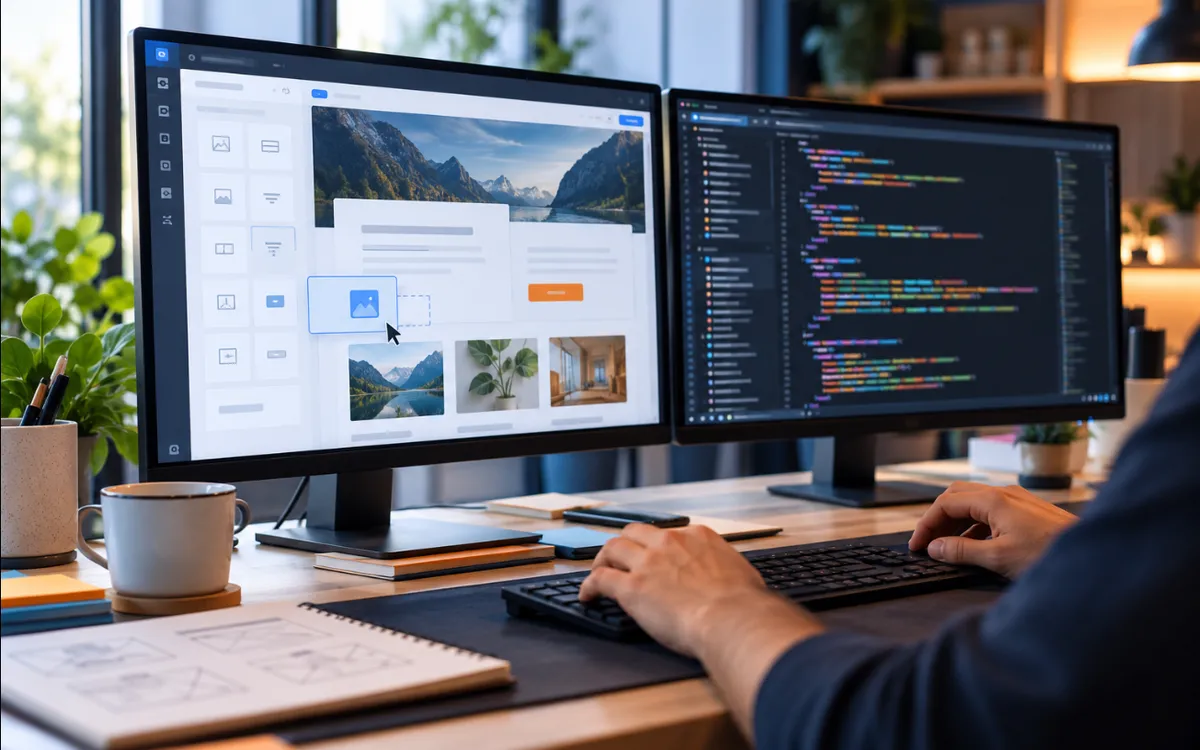
What each option means
WordPress is an open-source content management system under the GPL licence. According to its own official website, it is a publishing platform built on PHP and MariaDB that powers a large share of the websites on the internet. It is free to download; the cost lies in design, hosting and maintenance.
Custom website is a broad term, which is why it causes confusion. It can be a website coded with its own code (HTML, CSS and JavaScript, or a framework) with no editing panel, or a web application with its own logic and database.
And there is a third road that many people overlook: WordPress with a custom theme. It has a design exclusive to your brand and, at the same time, a panel where you can edit the text.
A practical comparison
| Aspect | WordPress | Custom website |
|---|---|---|
| Editing content | Its own panel, no coding | Depends on whether a panel is included; if not, every change has to be requested |
| Extending features | Existing plugins (with vetting) | Each feature is developed |
| Maintenance | Update the core, plugins and backups | Fewer pieces, but the code is the responsibility of whoever built it |
| Dependence | Many professionals can continue the work | Strong dependence on the original developer |
| Control over the code | Limited by theme and plugins | Total |
This table is a guide, not a rule: a well-documented custom website and a poorly maintained WordPress site can swap places.
When WordPress makes sense
- You will change content often: prices, offers, blog posts, service pages.
- You want common features (forms, bookings, multilingual, a shop with WooCommerce) without developing them from scratch.
- You need several people to edit with different permissions.
- You want to be able to switch professional in future without rebuilding the website.
- Your priority is getting online on a proven base.
If you also want a design of your own rather than a bought template, a custom theme solves that point. It is the typical case for the WordPress development service.

When a custom website makes sense
- The content hardly ever changes (a presentation, a portfolio, a campaign landing page).
- You need your own logic that does not fit into plugins: a calculator, a client dashboard, a specific tool.
- You want total control over performance and over what each page loads.
- You prefer to reduce the attack surface: fewer third-party pieces mean fewer critical updates.
If your project is an application with users, data and processes of its own, we are already talking about web apps, a different territory from an informational website.

Security and maintenance: what nobody tells you
WordPress is not insecure by nature, but it demands discipline: it is software that has to be kept up to date. The official documentation recommends always running the latest version (old ones stop receiving patches), removing plugins you do not use, installing only from trusted sources, using unique passwords with two-step verification, and keeping backups while checking that they can be restored.
A custom website without a content management system has fewer pieces to maintain. In return, any change needs someone with technical knowledge, and the quality of the code depends entirely on whoever wrote it.
Ask before you hire
Who will update the website in two years’ time? With WordPress, set up a maintenance plan. With a custom website, ask for documented code and ownership of everything.
Which ranks better on Google?
Neither, in itself. Google does not distinguish by the technology a website was built with: what matters is that the content is useful, that it can be crawled and that the experience is good. Its documentation does not attribute ranking advantages to any particular platform.
What does change is how easy it is to maintain the basics: unique titles, internal links, light images and good speed. A WordPress site loaded with plugins and a heavy theme can be slow; so can a badly built custom website. Check the Core Web Vitals guide to see what to measure.
How to decide in five questions
Who will edit the content, and how often?
Which features do you need today, and which might arrive within a year?
Who will handle the technical maintenance?
Is it important that another professional can continue the work?
Is there logic of your own that plugins you can trust cannot handle?
If you are unsure, WordPress with a custom theme is usually the most balanced option for businesses that want independence. For more context on costs, see how much a website costs.
Frequently asked questions
Is WordPress free?
The software is: it is free under the GPL licence. What you pay for is everything around it: the design or theme, hosting, the domain, some paid plugins and maintenance. A “free” WordPress site with no maintenance ends up expensive if it fails.
Is WordPress secure?
It can be, if it is maintained. The official documentation insists on updating the core and plugins, deleting what is not used, using strong passwords with two-step verification and keeping backups. Security reduces risk, but it does not remove it.
Can I move from a custom website to WordPress later?
Yes, but it is a migration with work of its own: rebuilding templates, importing content and keeping the URLs so you do not lose rankings. If you expect to want to edit the website yourself, decide that from the start.
Is a visual builder like Elementor “custom”?
Not exactly. It is a tool that speeds up design inside WordPress. It can give good results if used with judgement, but it adds weight and dependence on that plugin. Ask what performance has been measured on the final website.
Sources4
- WordPress.org — About WordPresswordpress.org (opens in a new tab)
- WordPress Developer Resources — Hardening WordPressdeveloper.wordpress.org (opens in a new tab)
- Google Search Central — Google Search Essentialsdevelopers.google.com (opens in a new tab)
- web.dev — Web Vitalsweb.dev (opens in a new tab)